
Online Booking Systems in Hong Kong: Compare Five Approaches
Compare Google Calendar, Calendly, Fresha, SimplyBook.me and Kalendars by deposits, reminders, staff, facilities, pricing structure and data portability.
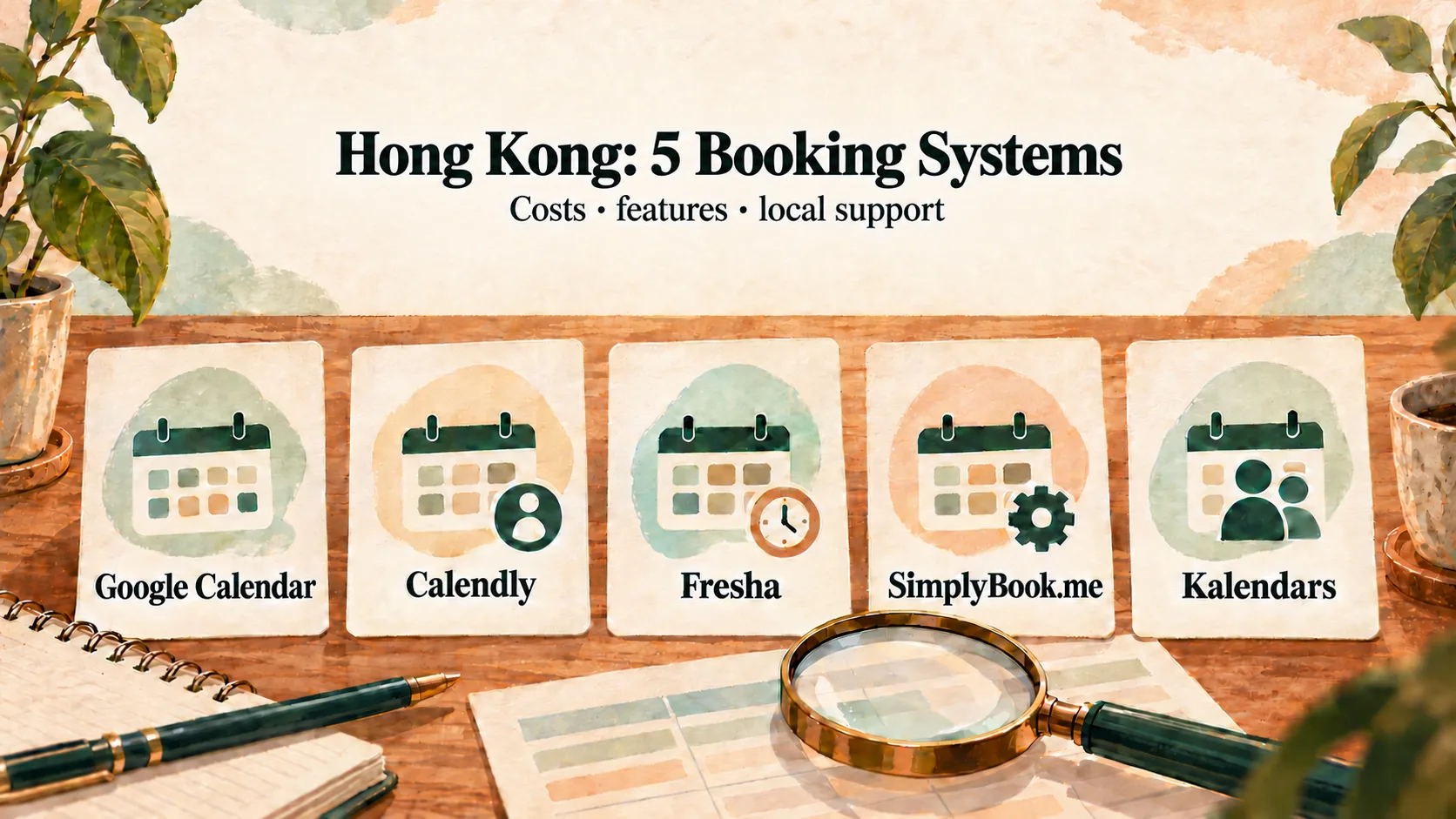
The right online booking system for a Hong Kong service business depends on the full workflow: staff and facility availability, deposits, confirmation, reminders, changes and data access. Compare those operating steps before comparing headline feature counts.
This guide compares five common approaches: Google Calendar, Calendly, Fresha, SimplyBook.me and Kalendars. Competitor prices and regional terms change, so it focuses on durable questions and links to official sources for a final check.
Disclosure and method: This comparison is authored by Kalendars, one of the products included, and is not an independent review. It uses official supplier pages for stated plan and payment facts, avoids a universal winner, and gives repeatable tests that a buyer can run with each shortlisted system.
Compare the whole booking journey
Before looking at features, write down what must happen from enquiry to arrival:
- The customer sees the right service and live availability.
- The system considers the staff member and any required room, chair or equipment.
- The customer pays a deposit, if required.
- Somebody verifies whether the booking is confirmed.
- The customer receives the right follow-up in a channel they notice.
- Staff can handle changes, walk-ins and no-shows without creating a second diary.
Then ask every supplier to demonstrate that journey.
At-a-glance comparison
| Approach | Strong starting use | Cost structure to verify | Hong Kong workflow questions |
|---|---|---|---|
| Google Calendar appointment schedules | A solo operator with a simple diary | Free and eligible paid-account features | Payment eligibility, reminders, multiple calendars, staff and facilities |
| Calendly | Remote meetings and consultations | Free tier, then per-seat plans | Local deposits, WhatsApp follow-up and physical resources |
| Fresha | Beauty or wellness businesses that value a marketplace | Regional subscription, marketplace-origin, payment and messaging terms | First-discovery attribution, region-specific fees and payment methods |
| SimplyBook.me | Businesses that want many configurable features | Plans vary by bookings, providers and custom features | Which features consume allowances and what costs extra |
| Kalendars | Hong Kong service businesses with staff, facilities and local deposits | Solo HK$119, Starter HK$299, Growth HK$799 per month | Staff verification of FPS/PayMe and staff-sent WhatsApp messages |
1. Google Calendar appointment schedules
Google’s appointment schedules help says personal and Business Starter accounts can create one booking page, while features such as multiple schedules and automated reminders depend on an eligible subscription. Its paid appointments help describes payments through Stripe, with card and supported wallet options.
This can be enough for a solo operator with a straightforward service. If staff collect requests through a Google Form and copy them into a calendar manually, however, the form itself does not lock a time while two customers submit it.
Ask how the setup will coordinate several team members and physical facilities before using it for a larger shop.
2. Calendly
Calendly is designed around scheduling meetings. Its pricing page shows a free tier with one event type and calendar, followed by paid per-seat plans with features including Stripe or PayPal payments and reminders.
It is a strong fit for online consultations and sales calls. A salon or practice should additionally test room and equipment capacity, FPS or PayMe deposits, and the desired WhatsApp process. The Calendly for Hong Kong Guide provides a full checklist.
3. Fresha
Fresha combines business software with a consumer marketplace. That can help a beauty or wellness business seeking discovery, but the cost needs to be calculated from the business’s own region and acquisition sources.
Do not rely on an old Hong Kong monthly price or a universal marketplace percentage. Fresha’s pricing display and fee terms can vary by market. Its guidance also makes first discovery important: a client first found through the Marketplace may remain subject to the relevant new-client rule even if the eventual booking comes through another link.
Read the Fresha Fees in Hong Kong Guide, then verify the account’s current pricing and Marketplace fee guidance.
4. SimplyBook.me
SimplyBook.me offers a broad set of configurable booking features. Its official pricing page currently describes a free plan with 50 bookings, one provider and one custom feature, while paid plans change the booking, provider and custom-feature allowances. Currency and displayed offers can vary.
This can suit a business that needs a wide menu of options and is willing to configure them. Before buying, list every required custom feature and check which plan contains enough allowance. Include messaging, payments, resources and any add-on usage in the calculation.
5. Kalendars
Kalendars is built around Hong Kong service-business workflows:
- Solo — HK$119 per month: one service provider.
- Starter — HK$299 per month: up to three service providers.
- Growth — HK$799 per month: up to ten service providers, plus staff-managed monetary stored value.
Customers can choose eligible staff, and services can require a facility such as a room, chair or piece of equipment. For an FPS or PayMe deposit, the customer pays to the business’s own destination and submits a transfer reference during a 15-minute hold. Staff check the business account and accept the booking; verification is not automatic.
Staff can open a prepared WhatsApp confirmation or reminder, review it, send it and mark it as sent. Kalendars does not automatically send the WhatsApp message.
Growth’s stored-value feature records money, purchases and transactions. It does not automatically count or deduct sessions from treatment or training packages.
Four buying tests for a Hong Kong service business
1. Test a real deposit
Ask where the money goes, what the customer submits, who checks it and when the slot becomes confirmed. If you need FPS or PayMe, have the supplier demonstrate it rather than inferring support from “online payments”.
2. Test a shared facility
Set up two employees and one room. Book the room with the first employee, then see whether the second employee remains available for a service that also requires it.
3. Test the reminder channel
Confirm whether the message is email, SMS, WhatsApp or a staff-prepared draft. Ask what is automatic, what requires staff action and what costs extra.
4. Test data access and growth cost
Ask what customer and appointment data can be exported. Price the system for today’s team and the team expected in twelve months, including marketplace, payment and messaging charges.
Which approach suits which business?
- Choose a simple calendar setup when bookings are low and one person can manage exceptions manually.
- Choose a meeting scheduler when remote calls, email and one host’s calendar define the service.
- Consider a marketplace platform when customer discovery is part of the value and the regional fee model works with your margins.
- Choose a configurable global platform when you need a broad feature catalogue and can manage the setup.
- Consider Kalendars when the business needs Hong Kong local deposits, staff and facilities in the same schedule, and staff-led WhatsApp follow-up at a fixed launch-plan price.
Apply the comparison to your type of business
The general checklist becomes more useful when it reflects the way your team actually works:
- Hair businesses can map chairs, wash basins, colour stages and walk-ins with the Salon and Barbershop Scheduling Guide.
- Nail and lash studios can compare service durations, post-service buffers, technicians and workstations with the Nail and Lash Studio Booking Guide.
- Clinics, physiotherapists and fitness teams can test practitioners, rooms, equipment and separate intake processes with the Physiotherapy and Fitness Booking Guide.
Frequently asked questions
Can an online booking system take an FPS deposit?
Support varies. In Kalendars, the customer pays the business’s own FPS or PayMe destination and submits a reference. Staff manually check the account before accepting the booking. See the Deposit Guide.
Is a free booking system enough?
It can be enough for a solo business with low volume and simple appointments. Test the limits that matter to you: booking pages, service types, reminders, providers, facilities and payments.
Will the system automatically send WhatsApp reminders?
Never infer that from the word “reminders”. Verify the exact channel and plan. With Kalendars, staff send prepared WhatsApp messages themselves; use the 10 WhatsApp Templates for consistent wording.
Choose the workflow, then the software
The best system is the one that reflects how the business actually reserves people, spaces and money. Put one real customer journey through every shortlisted tool before signing up, and calculate the total cost using your own team and booking sources.
You can also review Kalendars features and launch-plan pricing. Ready to explore a fixed-plan setup for local service businesses? Apply for Kalendars.
Make online booking part of your business
Let customers book and reschedule online while your team manages appointments and in-store payments in one place.
Get startedRelated reading
Calendly Alternatives for Hong Kong Service Businesses: What to Compare
Decide whether Calendly or a service-business alternative better fits your Hong Kong workflow by testing deposits, WhatsApp follow-up, staff, rooms and equipment.
10 WhatsApp Booking Message Templates for Hong Kong Service Businesses
Copy and adapt ten WhatsApp messages for booking enquiries, links, deposits, confirmations, reminders, rescheduling, arrival details, weather and follow-up.