
Calendly Alternatives for Hong Kong Service Businesses: What to Compare
Decide whether Calendly or a service-business alternative better fits your Hong Kong workflow by testing deposits, WhatsApp follow-up, staff, rooms and equipment.
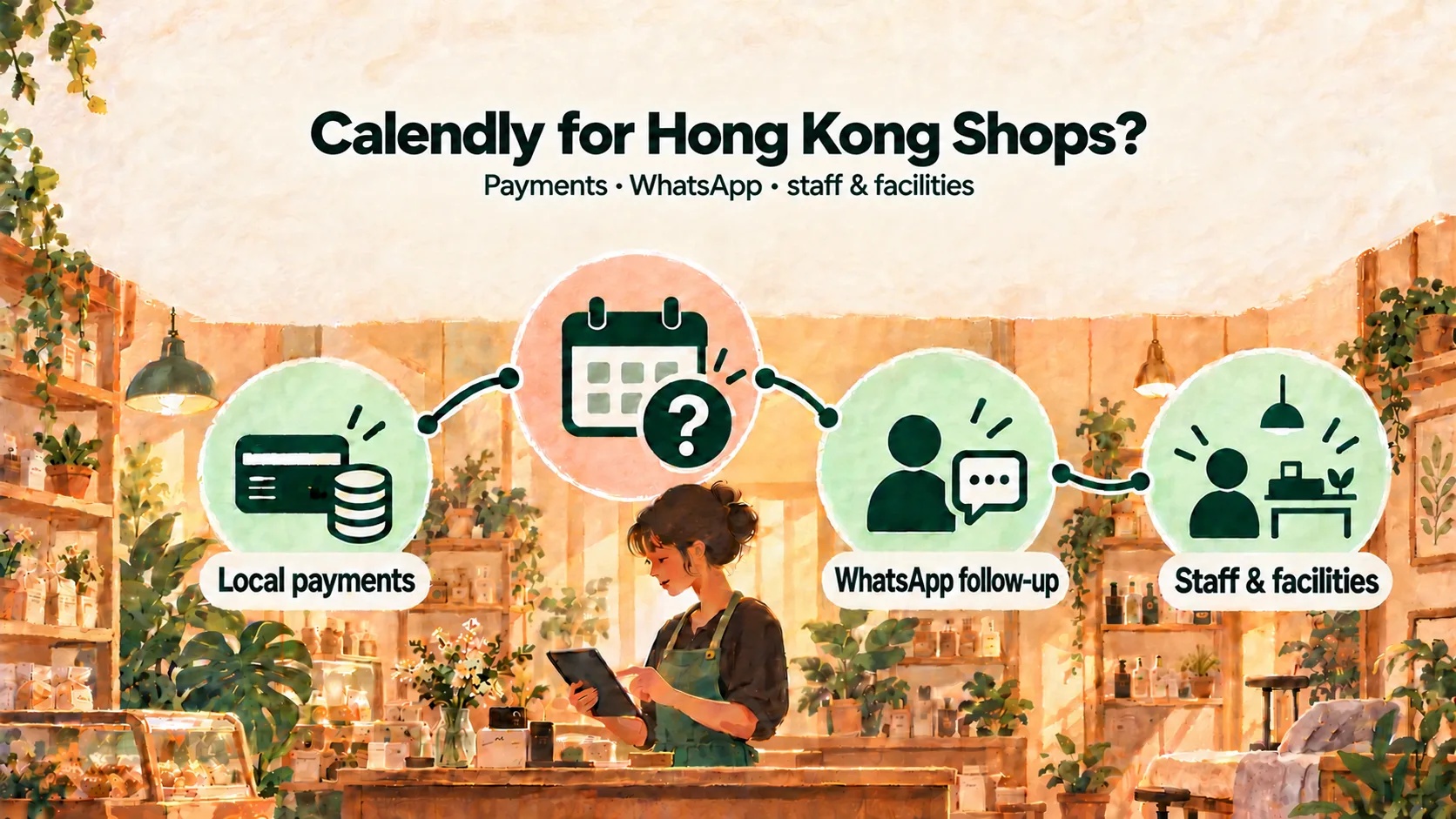
Calendly can work well for sales calls, online consultations and meetings. A Hong Kong service business should consider an alternative when each appointment also depends on local deposits, staff-led WhatsApp follow-up, or shared rooms and equipment.
The right choice depends on a real end-to-end test rather than the booking page alone. The customer may need to choose a practitioner, a chair or machine may also need to be free, and the business may collect an FPS or PayMe deposit before staff confirm the booking.
Disclosure and method: This guide is authored by Kalendars, one of the alternatives discussed, and is not an independent review. It uses Calendly's official public documentation and concrete checks that readers can perform for their own plan and region. No hands-on competitor test is claimed.
| Calendly may fit well when… | Consider a service-business alternative when… |
|---|---|
| Appointments are meetings with one host | A practitioner and a room, chair or device must be available together |
| Email-based confirmation and reminders suit customers | Staff follow up with customers in WhatsApp |
| Stripe or PayPal fits the payment flow | The business takes an FPS or PayMe deposit to its own account |
| Per-seat pricing matches the team structure | The team needs one operating view of staff, facilities, deposits and walk-ins |
Start with the job Calendly is designed to do
Calendly’s current pricing page presents a free tier with one event type and one calendar, followed by paid per-seat plans. It lists features such as Stripe or PayPal payments and automated reminders on paid tiers.
That is a natural fit when:
- the appointment is a meeting with one host;
- customers are comfortable using email;
- the session happens on Zoom, Google Meet or another meeting platform; and
- no physical room, chair or treatment device has to be reserved separately.
For a local service business, test the gaps between that model and the shop floor.
Check 1: Can the deposit follow your local payment process?
Many Hong Kong businesses take an illustrative HK$100–HK$300 deposit for a long or specialist appointment. Calendly lists Stripe and PayPal as payment integrations. Before choosing it, ask:
- Can customers use the payment method they already expect from your business?
- Does the payment destination belong to the business?
- Who confirms that the payment matches the booking?
- What happens to the slot while payment is incomplete?
If your workflow uses FPS or PayMe outside Calendly, map the extra steps: sending payment details, receiving a reference, checking the account and deciding when the appointment is confirmed.
Kalendars places that manual local-transfer process inside the booking flow. The customer sees the business’s own FPS ID, phone number or PayMe link, and the slot is held for 15 minutes. The customer submits the transfer reference; staff check the business account and accept the booking after matching it. See the FPS and PayMe Deposit Guide.
Check 2: Will customers notice the confirmation and reminder?
Calendly supports automated reminder workflows on eligible paid plans. That can work well for customers who watch their email or text messages.
If your customers already speak to the business in WhatsApp, decide how follow-up will happen there. A practical process is to prepare the message from the booking details, have staff check and send it, then record that it has been sent.
Kalendars follows that staff-led approach. It does not automatically send WhatsApp messages. The WhatsApp Booking Link Templates provide ready-to-adapt copy.
Check 3: Can the schedule protect rooms and equipment?
A practitioner being free is only one condition in a physical service business. A valid slot may also depend on a treatment room, lash bed, wash basin or reformer.
Ask the supplier to demonstrate your exact case:
Two practitioners are available, but they share one room. After one customer books the room, can the other practitioner still appear available for a service that needs it?
Do not accept a generic “resource management” answer. Watch the supplier configure the room, make the first booking and show what the second customer sees.
In Kalendars, a service can require a facility, and the time is not offered when all units of that facility are occupied. The Physio and Personal Training Guide and Salon and Barbershop Guide show why this matters.
Check 4: What happens when the team grows?
Calendly’s paid plans are priced per seat. That is easy to understand, but the total changes as more employees need their own availability and workflows.
Calculate the cost for the team you expect in twelve months, including part-time staff. Then compare the operational fit, not only the monthly figure. A cheaper meeting scheduler becomes expensive if staff still maintain a second room diary and a separate deposit spreadsheet.
Kalendars uses fixed launch plans: Solo at HK$119 per month for one service provider, Starter at HK$299 for up to three, and Growth at HK$799 for up to ten. Compare current inclusions on the product page before making a decision.
When should you consider a Calendly alternative?
Calendly is a strong candidate when appointments are mainly remote meetings, email is the expected channel, and each host controls their own availability.
Consider a service-business alternative when your workflow depends on several of these:
- a customer choosing an eligible practitioner;
- a room, chair or device being reserved with the practitioner;
- an FPS or PayMe deposit paid to the business’s own account;
- staff verification before the booking is confirmed;
- staff-led WhatsApp follow-up; or
- walk-ins and back-office appointments sharing the same capacity.
Frequently asked questions
Does Calendly take FPS or PayMe deposits?
Its current pricing page lists Stripe and PayPal for collecting payments. If FPS or PayMe is essential, ask Calendly to demonstrate the supported flow for your region or plan for a separate manual process.
Can Calendly send WhatsApp reminders?
Calendly lists automated reminders, but a business that specifically needs WhatsApp should verify the channel and plan directly. With Kalendars, staff open, review and send a prepared WhatsApp message themselves.
Is Calendly expensive for a team?
It uses per-seat pricing on paid plans, so the total depends on team size and plan. Calculate the full team cost and include any separate tools needed for facilities, deposits and customer messaging.
Choose around the full customer journey
A smooth booking page is valuable, but the real test is what happens before and after the click: payment, confirmation, rooms, staff, reminders and changes on the day.
Use the Hong Kong Online Booking System Comparison to compare more approaches, or review Kalendars features and launch-plan pricing. If your business needs local deposits, facilities and staff-led WhatsApp follow-up, apply for Kalendars.
Make online booking part of your business
Let customers book and reschedule online while your team manages appointments and in-store payments in one place.
Get startedRelated reading
Online Booking Systems in Hong Kong: Compare Five Approaches
Compare Google Calendar, Calendly, Fresha, SimplyBook.me and Kalendars by deposits, reminders, staff, facilities, pricing structure and data portability.
10 WhatsApp Booking Message Templates for Hong Kong Service Businesses
Copy and adapt ten WhatsApp messages for booking enquiries, links, deposits, confirmations, reminders, rescheduling, arrival details, weather and follow-up.