How to Set Up a Salon Booking System in Hong Kong: Staff, Chairs and Walk-ins
Set up salon or barbershop bookings around stylists, chairs, wash basins, long colour services, walk-ins, deposits and the shop's real daily capacity.
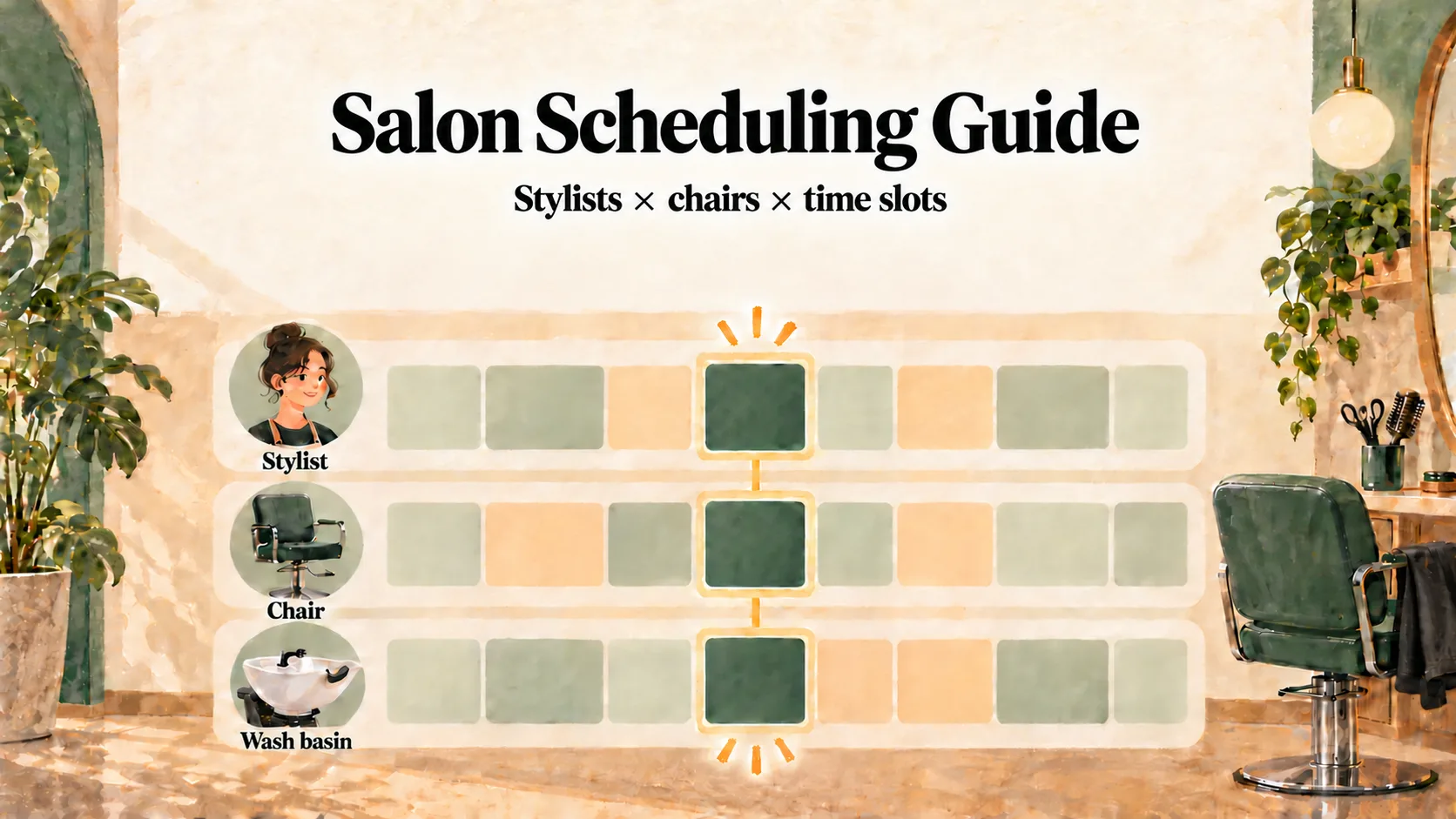
A salon booking system should offer a slot only when the right stylist and required chair, wash basin or treatment area are available. It also needs a clear process for walk-ins, long colour services and deposits so online availability still reflects the shop floor.
A team member can be free while every chair is occupied. Two colour services can reach the wash stage at once, or a walk-in can take a slot that is still showing online. A workable schedule therefore needs to account for four things together: people, facilities, service stages and customers who arrive without booking.
“The stylist is free” does not always mean “the slot is available”
Consider a shop with four stylists, three cutting chairs and two wash basins. If all three chairs are occupied, the fourth stylist cannot start another chair-based service even though that stylist is technically free.
Build your schedule around the real constraint:
A slot can be offered only when both the selected service provider and every required facility are available.
In Kalendars, a service can require a facility such as a chair, room or wash basin. When every unit in that facility group is in use, the corresponding time is removed from online availability. The same approach helps nail studios manage manicure tables and lash beds; see the Nail and Lash Studio Booking Guide.
Start with a service map, then build the roster
List each service with its active work time, total duration, required staff role and required facilities. For example:
| Service | Team requirement | Facility requirement | Scheduling note |
|---|---|---|---|
| Men’s haircut | Barber or stylist | Cutting chair | Leave a short reset period if needed |
| Cut and shampoo | Stylist | Cutting chair and wash basin | Avoid sending several customers to the basin together |
| Full colour | Colourist or stylist | Colour station, then wash basin | Include consultation and finishing time |
| Scalp treatment | Trained team member | Treatment area or wash basin | Block the facility for the actual stage that uses it |
Next, set each person’s working hours, breaks and days off. Assign only the services they can provide. This is especially useful when a senior stylist handles complex colour corrections while a junior stylist takes simpler cuts or blow-dries.
For a barbershop, test a busy hour with a preferred barber, one occupied chair, an accepted walk-in and the short reset time after each cut. The online schedule should stop offering capacity as soon as the shop records the walk-in.
Handle processing time carefully
Colour and perm services often include periods when the product is processing. That does not automatically mean the stylist can accept another appointment: they may need to monitor the customer, the next service may overrun, and the chair or station may still be occupied.
If your team deliberately uses processing time for a short service, document the workflow rather than improvising it on the day. One manual approach in Kalendars is to create separate back-office bookings for the hands-on stages, such as application and rinse-and-finish, leaving a defined interval between them. Only do this when:
- the original customer has a suitable place to wait;
- the short service can reliably finish before the stylist must return;
- the required chair and wash basin are also available; and
- a named team member remains responsible for the original customer.
This is a controlled operating practice, not an automatic split-time feature.
Put walk-ins into the same schedule immediately
Walk-ins remain important for neighbourhood salons and barbershops. The simplest way to prevent conflicts is to record every accepted walk-in as soon as the shop commits to serving them.
| Customer type | Front-of-house action | Schedule action |
|---|---|---|
| Online customer | Check the booking and arrival details | Mark arrival according to your shop process |
| Walk-in | Confirm the service and expected wait | Add a booking with the service, team member and time immediately |
| WhatsApp or phone enquiry | Answer questions that need staff judgment | Share the booking page for the customer to choose a live slot |
Do not wait until after the haircut to enter a walk-in. During that gap, the same time may still look available to an online customer.
The WhatsApp Booking Link Templates give front-desk staff consistent replies for customers who message instead of walking in.
Use deposits and policies for high-cost empty slots
A missed 45-minute barber appointment costs time. A missed three-hour colour booking can disrupt much more of the day. A small deposit and a clear rescheduling policy can help customers make an informed commitment.
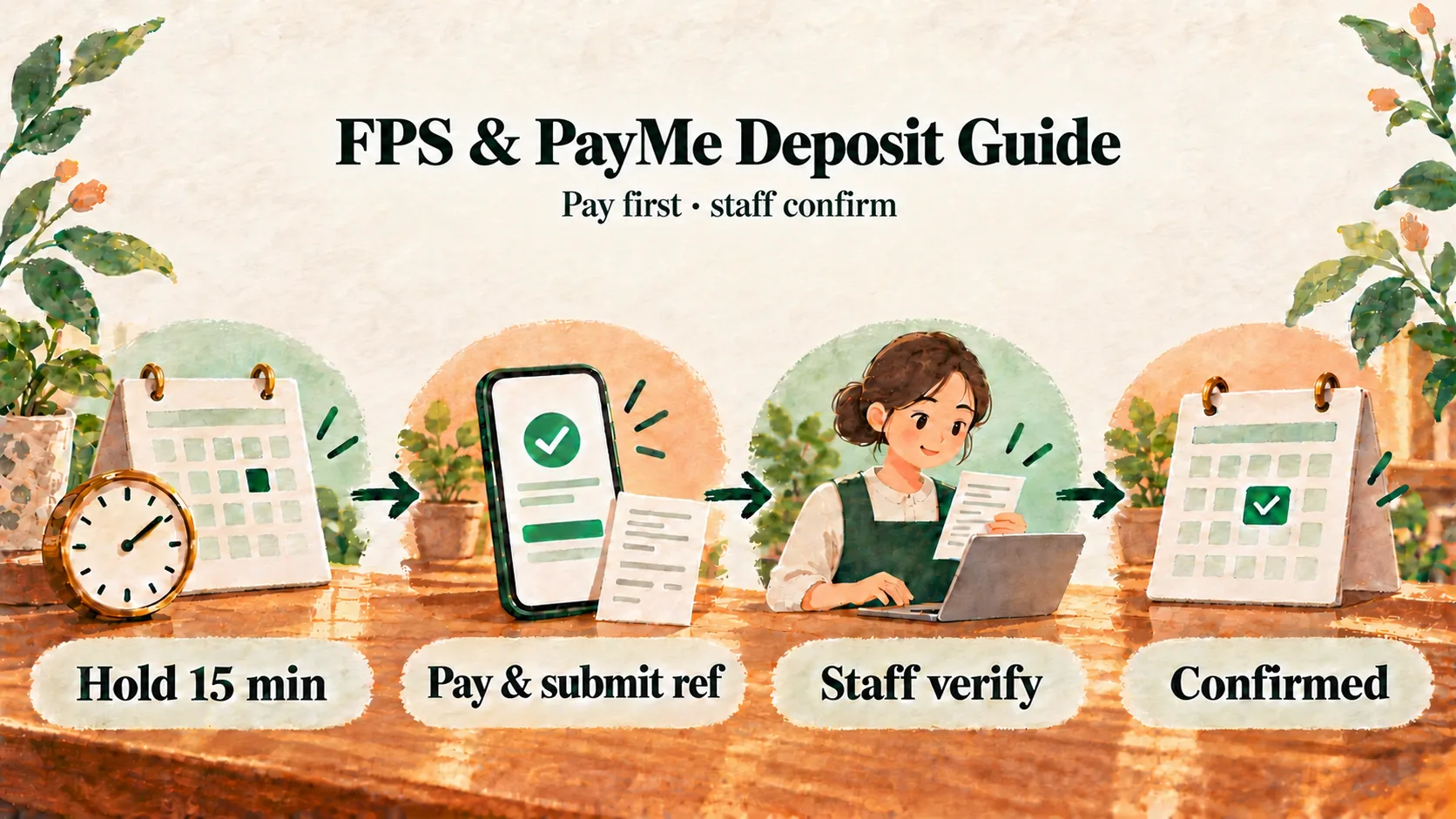
One Hong Kong-friendly workflow is:
- Set an illustrative fixed deposit, such as HK$100 or HK$200, based on the service and your own policy.
- Show the shop’s FPS ID, phone number or PayMe link during booking.
- Hold the selected slot for 15 minutes while the customer pays and submits the transfer reference.
- Have staff check the shop’s own account and accept the booking only after matching the payment.
- Deduct the deposit from the final bill, subject to the policy shown before booking.
The FPS and PayMe Deposit Guide covers this flow in detail.
Staff can also open a prepared WhatsApp confirmation or reminder from the booking, review it, send it and mark it as sent. The message is not sent automatically. Include your late-arrival rule in the reminder; there is no universal cut-off, so choose a limit that fits the length of your appointments.
A daily scheduling checklist
Before opening:
- check staff leave, breaks and training;
- scan for overlaps in chairs, wash basins and treatment areas;
- identify colour or perm services that need staged attention;
- assign responsibility for unverified deposits; and
- reserve realistic capacity for walk-ins if they matter to your business.
During the day, update changes as they happen. At closing, look for repeated delays. If every 90-minute colour service runs 15 minutes late, the service duration or buffer needs changing; reminders alone will not fix the timetable.
Frequently asked questions
Can customers choose a stylist online?
Yes. In Kalendars, customers can choose an eligible service provider. Availability can also depend on required facilities, so a free stylist does not create a slot when every relevant chair or room is occupied.
Can a stylist cut another customer’s hair during colour processing?
Sometimes, if the salon has a safe, repeatable operating process and the short booking fits within a deliberately planned interval. Build the stages manually, check facility capacity and allow for delays.
How do we prevent walk-ins and online bookings from colliding?
Enter the walk-in as soon as you accept them. The shared schedule can only protect capacity that has actually been recorded.
Make the schedule reflect the shop floor
Good salon scheduling is less about packing every minute and more about making promises the team can keep. When staff hours, chairs, wash basins, service stages, walk-ins and deposits live in one clear process, the day becomes easier to manage for both customers and staff.
Compare broader options in the Hong Kong Online Booking System Comparison, or apply for Kalendars to organise your shop’s services, people and facilities.
Make online booking part of your business
Let customers book and reschedule online while your team manages appointments and in-store payments in one place.
Get started