How to Set Up a Nail Salon Booking System: Durations, Buffers and Deposits
Set up nail and lash bookings with separate service durations, post-service buffer time, technician and workstation capacity, reference photos and local deposits.
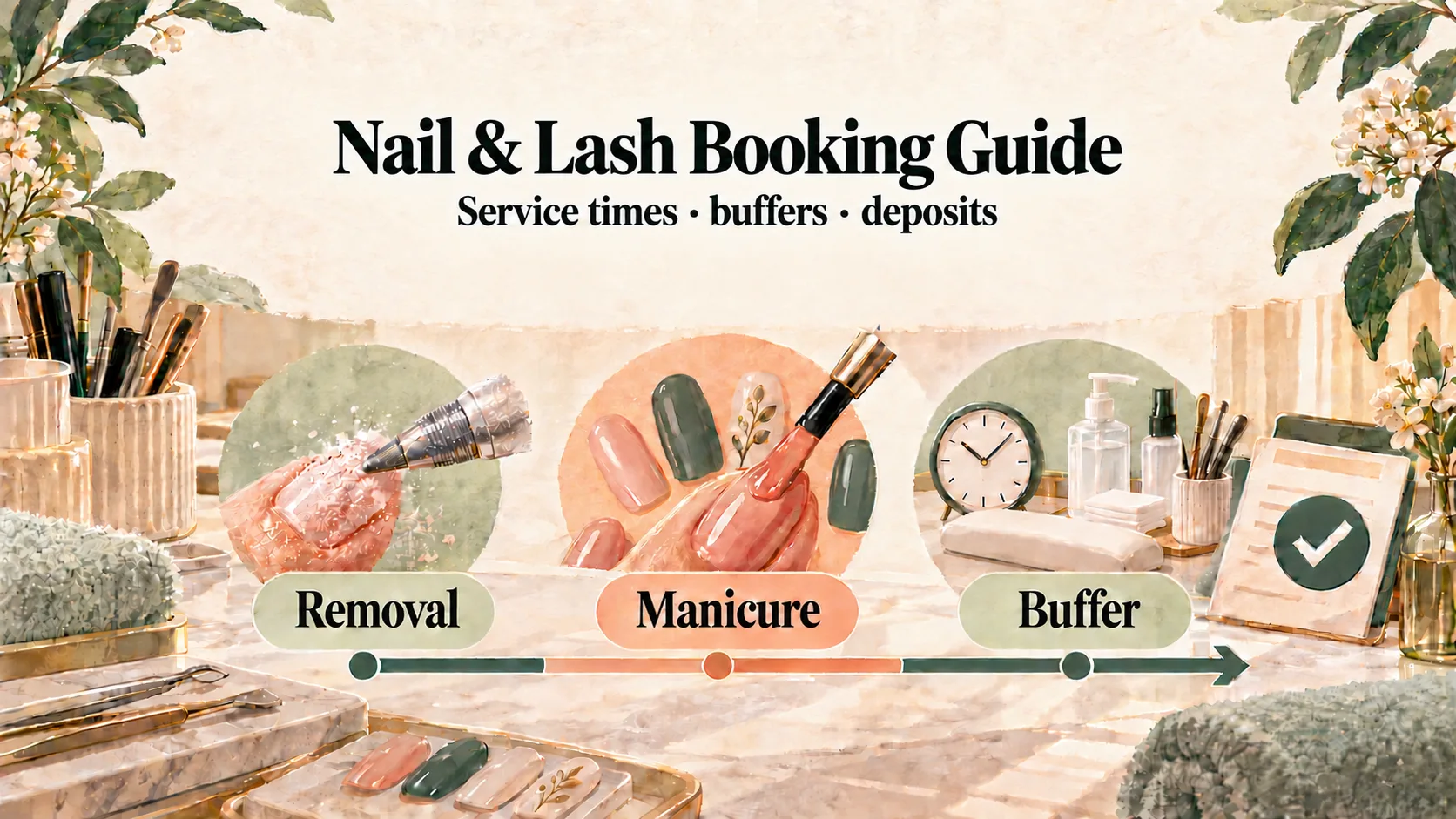
A nail salon booking system should reserve the right technician, workstation and amount of time for the service the customer actually wants. Set up separate services or durations, add post-service buffer time, and clarify detailed designs before the appointment.
Otherwise, a customer may book a single-colour hard gel service and arrive needing removal, extensions and detailed hand-painted art. The original slot cannot cover the work, and every appointment after it begins to slide. Nail and lash services vary too much for a single one-hour slot.
Set a realistic duration for each service
Create separate services or clearly defined durations for the combinations customers actually buy. The figures below are illustrations, not universal standards:
| Example service | Service time | Post-service buffer | Total reserved time |
|---|---|---|---|
| Single-colour soft gel, no removal | 60 minutes | 15 minutes | 75 minutes |
| Hard gel with light nail art | 90 minutes | 15 minutes | 105 minutes |
| Removal, extensions and detailed art | 150 minutes | 15 minutes | 165 minutes |
| Classic individual lashes | 75 minutes | 15 minutes | 90 minutes |
| Volume lashes with removal | 105 minutes | 15 minutes | 120 minutes |
The buffer belongs after the service. It gives the technician time to clean the table, reset tools, take a short break and prepare for the next customer. It is not spare time that customers can use for late arrival.
Review actual completion times after a few weeks. If a service consistently runs longer, update its duration rather than hoping the buffer will absorb the difference.
Clarify the design before the customer arrives
“I want to get my nails done” can mean a 60-minute appointment or several hours. Handle that uncertainty in two steps:
- Create separate bookable services or durations. Examples include “removal plus single colour” and “removal, extensions and detailed art”. Give each one an accurate time and price.
- Ask for reference photos after booking. State in the service description that customers requesting detailed art should WhatsApp their reference images after booking. A technician can then assess the time and quote. If the booked duration is unsuitable, contact the customer early to change the service or time.
This approach keeps the booking choices manageable. It does not depend on selectable add-ons or custom image-upload fields in the booking page.
Schedule the technician and the workstation together
Capacity depends on both people and physical space:
- In a one-person studio, the technician’s availability may be the main constraint.
- In a multi-person studio, manicure tables, pedicure chairs and lash beds can become the bottleneck.
- Technicians may offer different services, so their eligible work should match their skill and roster.
In Kalendars, each technician can be assigned the services they provide. A service can also require a facility such as a nail table or lash bed. If every unit is occupied, that time is not shown online even when another employee is working.
Salons face similar staff-and-facility conflicts; the Salon and Barbershop Scheduling Guide explains the same model for chairs and wash basins.
Use a fair deposit for long appointments
A no-show for detailed nail art or a full lash set can leave a large gap that is difficult to refill. A deposit can help customers confirm their plans when the amount and policy are clear.
One example workflow is:
- Set a fixed deposit such as HK$100 or HK$200 according to your service prices and policy.
- Display the studio’s own FPS ID, phone number or PayMe link during booking.
- Hold the selected time for 15 minutes while the customer pays and submits the transfer reference.
- Have staff check the studio’s account and accept the booking only after matching the transfer.
- Deduct the deposit from the final bill, subject to the terms shown before booking.
For policy examples and common mistakes, read the FPS and PayMe Deposit Guide.
Here is wording you can adapt:
Studio booking policy
A HK$100 deposit is required to reserve your appointment and will be deducted from your final bill. Please give at least 24 hours’ notice to reschedule. The deposit may be carried forward once to a new appointment within 30 days. A cancellation within 24 hours or a no-show may result in the deposit being retained. If you arrive more than 15 minutes late, we may need to simplify or reschedule the service to protect the next customer’s appointment.
Make sure the final policy reflects what your studio can apply fairly and consistently.
Prepare staff-led WhatsApp follow-up
After the booking, staff may need to request a design reference, confirm the verified deposit, share arrival instructions or send a reminder. Kalendars can prepare a WhatsApp message from the booking record; staff check the wording, send it themselves and mark it as sent.
Use the WhatsApp Booking Link Templates to standardise these messages without implying that reminders are automatic.
A setup checklist for studios
Before opening online bookings:
- list your real service combinations rather than one generic “nails” option;
- measure service time separately from post-service buffer time;
- assign services to the right technicians;
- count available nail tables, pedicure chairs and lash beds;
- explain when customers should WhatsApp reference photos;
- publish the deposit and rescheduling policy before payment; and
- assign somebody to check transfers and follow-up messages.
Frequently asked questions
Should removal and detailed art be optional add-ons?
Use separate services or clearly defined durations that reserve the correct time. Ask customers to WhatsApp reference images after booking when a detailed design needs assessment.
Is buffer time part of the customer’s service?
No. Put the buffer after the service so the technician can clean, reset and prepare. It should not be used to hide an unrealistic service duration.
Does an FPS reference automatically confirm the appointment?
No. The customer submits the reference, then staff check the studio’s own account and accept the booking after the payment is matched.
Build a schedule that protects the craft
Good workmanship needs enough time. When service durations, post-service buffers, technicians, workstations, design checks and deposits are planned together, customers can choose more accurately and the team can deliver each appointment without rushing the next one.
For wider product choices, read the Hong Kong Online Booking System Comparison and the Fresha Fees and Alternatives Guide. To organise your studio’s booking flow, apply for Kalendars.
Make online booking part of your business
Let customers book and reschedule online while your team manages appointments and in-store payments in one place.
Get started