Menu

Simpler appointments. Smoother business.

Share one link so customers can choose a service and time.
Keep bookings, staff, resources and payment records together.

Try it free for 14 days after setup

Tuesday, 8 September 2026
Kathy LamMandy Chow
Daisy Lam

Deep treatment · 60 min

Kathy Lam
Ms Chow

Deep treatment · 60 min

Kathy Lam
Ms Hui

Deep treatment · 60 min

Kathy Lam
Ms Chan

Haircut · 60 min

13:00Kathy
Mrs Chan

Deep treatment · 60 min

Mandy Chow
Mr Wong

Deep treatment · 60 min

Walk-in
  1. Booking request
  2. Team confirms
  3. Booking saved

From message to calendar · Example

Example: Ms Chan asks to book a haircut with Kathy at 13:00 on Tuesday. Her details, service, time and team member are saved as one calendar booking.

Let customers book, reschedule and cancel.

Share a link or QR code with no account needed. Customers choose a service and time, then use their personal link to view, reschedule or cancel.

Booking pageExample

Choose a service

Haircut60 min
11:0013:3015:00
Pay in storeSee the amount before confirming

Add your business logo and brand colours to your booking page.

Keep staff and resources in sync.

Customers only see times when their team member and any required room, seat or equipment are all available. Staff schedules, breaks and leave are taken into account.

Your team can add walk-in customers from the admin area too.

Example staff and resource availability
Kathy and treatment room A are checked together
Tuesday13:0014:00
Team memberKathyAvailableAvailable
Required resourceTreatment room AAvailableBooked
Customer can book13:00Unavailable

Handle follow-ups on WhatsApp.

Prepare a message from the booking, then let a team member review and send it manually. The follow-up record stays with the booking for the whole team to see.

Example WhatsApp follow-up

Booking details

Customer
Ms Chan
Service
Haircut
Time
8 Sep · 13:00
Team member
Kathy
Prepare draft

Message ready to review

Hello Ms Chan. Your haircut is booked for 1 pm on 8 September with Kathy.

A team member reviews and sends it manuallyOnce sent, record the follow-up with the booking.

Keep payments and customer history together.

Check payments and review each customer’s past services, dates and amounts. Team members with permission can also export reports.

  • Pay in store

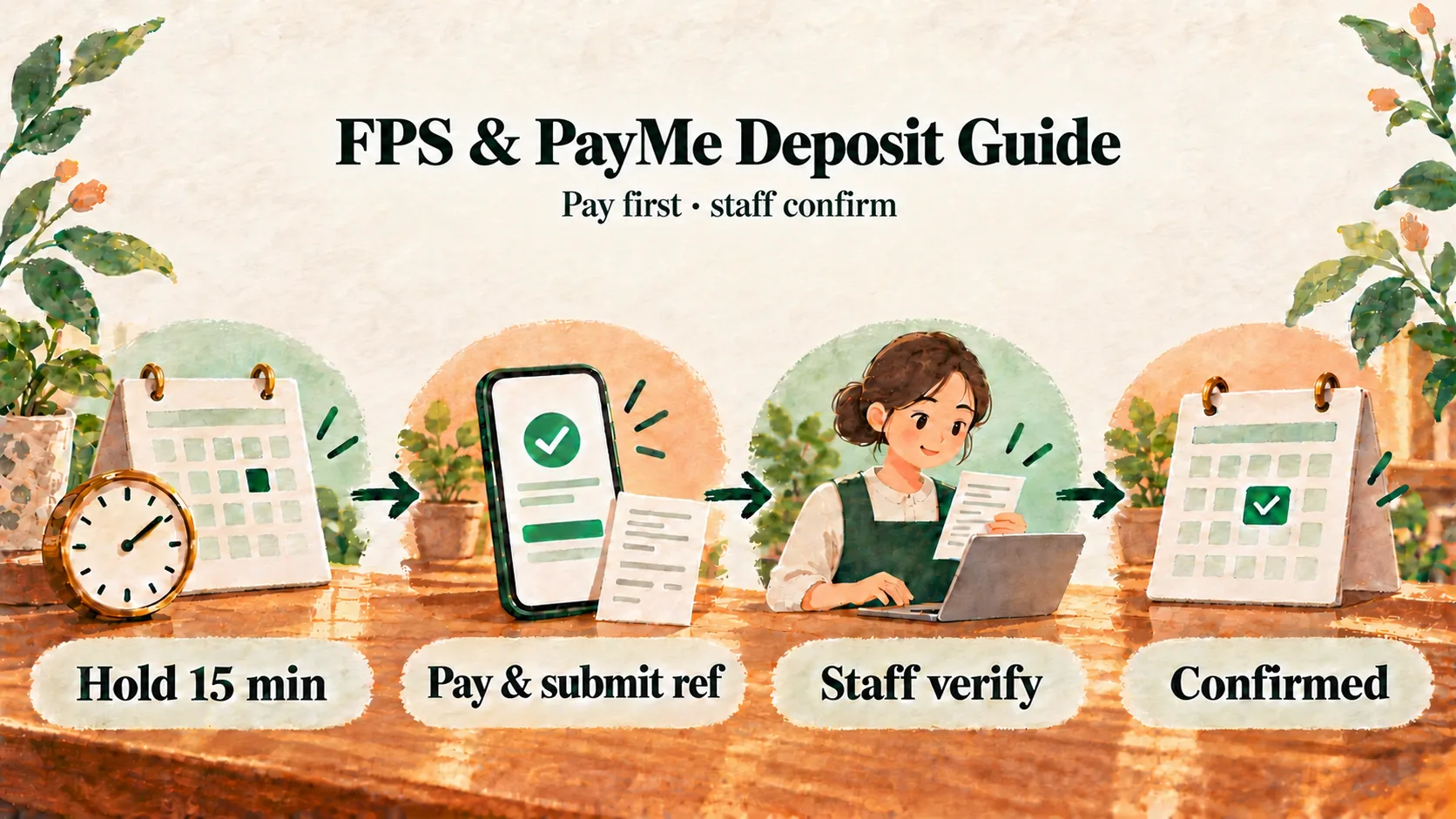
    Customers pay when they arrive, then your team confirms the payment.

  • PayMe transfer

    Customers submit their PayMe details. A team member checks them manually before confirming payment.

  • Member balances Growth

    Growth includes prepaid member balances.

Getting started

Get ready to take bookings.

  1. Send a setup enquiry

    Confirm the setup process and the details you’ll need.

  2. Add your services, team and availability

    Add each service, its duration and price, and the times customers can book.

  3. Share your booking link

    Customers book online while you manage the day from your calendar.

Pricing

Choose a plan that fits your team.

These plans are for new subscriptions. Existing subscribers keep their current plan, price, available features and payment records.

Included with every plan
Prices are monthly in HKD. Every plan includes basic customer management (CRM), reports and manual WhatsApp follow-up. Subscriptions, plan changes and payment platforms depend on current configuration and availability.

Solo

HK$119/month

For independent service providers

Bookable team members
Up to 1
Business photos
4
  • Branded booking page and customer self-service
  • Booking calendar, team and resource scheduling
  • Customer management (CRM) and booking history
  • In-store payment records and manual PayMe checks
  • Reports and manual WhatsApp follow-up
Enquire now

Starter

HK$299/month

For small service teams

Bookable team members
Up to 3
Business photos
4
  • Branded booking page and customer self-service
  • Booking calendar, team and resource scheduling
  • Customer management (CRM) and booking history
  • In-store payment records and manual PayMe checks
  • Reports and manual WhatsApp follow-up
Enquire now

Growth

HK$799/month

For larger teams or businesses that manage member balances

Bookable team members
Up to 10
Business photos
8
  • Branded booking page and customer self-service
  • Booking calendar, team and resource scheduling
  • Customer management (CRM) and booking history
  • In-store payment records and manual PayMe checks
  • Reports and manual WhatsApp follow-up

Growth extras

  • Prepaid package management
  • Credited value, bonuses and expiry
  • Staff-recorded purchases, member balances and transactions
Enquire now

Enquiring helps you compare plans. It will not start a subscription, activate a plan or charge you. Your team must review and send WhatsApp messages manually.

Compare plans

Every plan includes the same core features. Growth adds prepaid package management.

Swipe sideways to compare plans

Features and plan limits
ItemSoloStarterGrowth
Bookable team members1310
Business photos448
ReportsIncludedIncludedIncluded
Customer management (CRM)IncludedIncludedIncluded
Prepaid package managementNot includedNot includedIncluded
Member balances, bonuses and expiryNot includedNot includedIncluded

Growth prepaid packages use monetary stored value, not session credits. Set package prices, credited value, bonuses and expiry. Your team records purchases and tracks member balances and transactions.

See all included features

These are the shared features for new subscriptions. Existing subscribers should refer to their current plan, price and available features.

Customer booking

  • Booking page with your logo and brand colours
  • Services, durations and prices
  • Booking without a customer account
  • Personal link to manage a booking
  • Customer rescheduling and cancellation

Team and day-to-day scheduling

  • Booking list and calendar
  • Weekly schedules, breaks and leave
  • Rooms, seats and equipment
  • Add walk-in customers
  • Team roles and permissions

Customer management and payments

  • Customer management (CRM): contacts (name, phone and email), search by name or phone, booking history and spending records
  • In-store payment records
  • Manual PayMe checks
  • Manual WhatsApp follow-up and send records
  • Revenue, booking and staff reports
  • CSV exports for authorised team members

FAQ

Questions about bookings, payments and plans.

Do customers need an account?

No. They can book without an account, then use their personal link to view, reschedule or cancel.

Which payment methods are supported?

Customers can pay in store or by PayMe. Your team checks PayMe transfers manually before confirming payment. Growth also supports payment from prepaid member balances once business setup is complete.

Can I follow up on bookings with WhatsApp?

Yes. Prepare a message from the booking, open it in WhatsApp, then have a team member review and send it manually. Record it as sent afterwards.

How do member balances work on Growth?

Growth includes tools to manage each member’s prepaid balance and transaction history in the admin area.

Can I use my own brand?

Yes. Add your business name, logo, colours and welcome message, then preview the customer page. Kalendars branding remains on every plan.

Can I manage multiple service providers?

Yes. Set each team member’s weekly schedule, breaks and leave separately. The number of bookable team members depends on your plan.

Is a long-term contract required?

No. Plans are billed monthly. You can cancel at any time and keep access until the end of the current billing period.

Ready when you are

See if Kalendars fits your business.